Install the MeshCore app
Download the free MeshCore companion app for Android, iOS, Windows, Mac, Linux, or straight from a web browser via Web Bluetooth. This is how you'll send and receive messages once your node is set up.
Get the app at meshcore.ioGet a 915 MHz companion node
Buy an inexpensive LoRa companion node built for the US 915 MHz band, roughly $25–$65. Bay Area MeshCore keeps an up-to-date list of recommended hardware and vendors for the exact network you'll be joining.
See recommended devicesFlash it and set your region
Bay Area MeshCore's own companion setup guide walks through the Web Flasher (Chrome required), the Community Firmware, and the exact regional radio settings this network uses — no guessing at presets.
Bay Area companion setup guideJoin the Bay Area MeshCore community
Connect to the Bay Area MeshCore Discord to confirm current regional frequency and channel settings (they can change as the network grows), ask setup questions, and let people know you're online from Sonoma County.
Join Bay Area MeshCoreSay hello in the #sonoma-county channel
Once your node is on the mesh, add the #sonoma-county hashtag channel to chat with other local users directly — it's public, so anyone can join just by knowing the name. Scan the QR code or tap the link below on a phone with the MeshCore app installed to add it automatically, or add it by hand: open the app, tap the three-dot menu, choose Add Channel → Join a Hashtag Channel, and type sonoma-county.
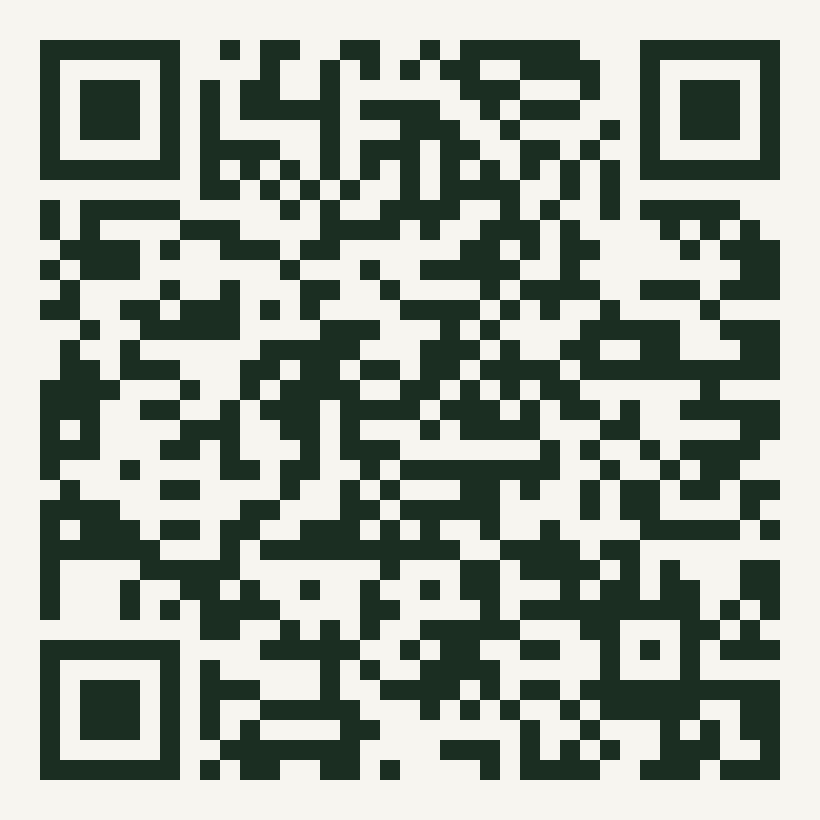 Scan with your phone's camera
Thinking about a hilltop repeater?
If you're on a ridge, hilltop, or barn roof with a clear view, a solar-powered repeater node left running 24/7 can dramatically extend coverage for everyone downhill of you — this is exactly the kind of siting that helps close the gap between the Bay Area and Sonoma County. We've put together a full walkthrough on siting, hardware, and configuration.
Learn how to grow the meshBeyond #sonoma-county: the wider Bay Area MeshCore network also runs public channels for testing, wildfire, power, earthquake, weather, ham radio, and CERT coordination. Join them from the Bay Area MeshCore channel directory. And always confirm the current frequency and region preset in the Discord before configuring a new node — regional presets can change.